
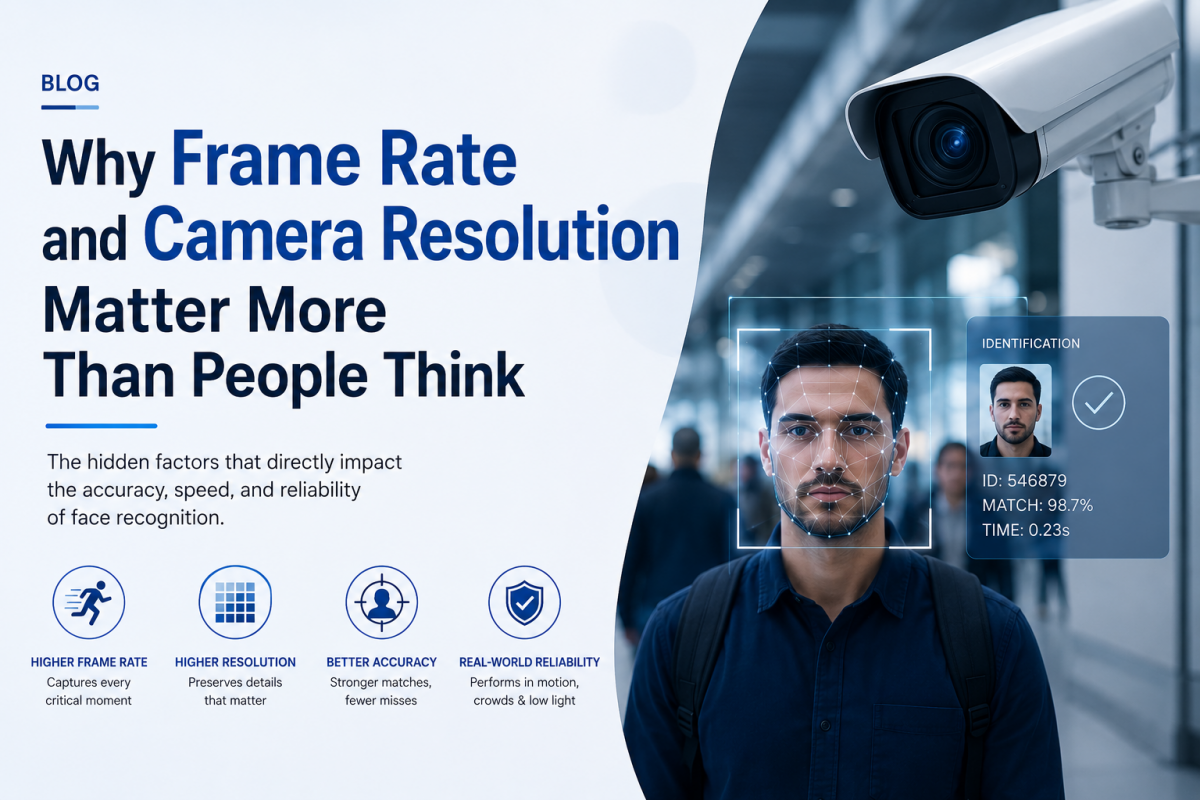
Most conversations about face recognition accuracy focus on the AI model. Far fewer focus on the camera capturing the image in the first place and that's a mistake.
When organisations evaluate face recognition systems, the questions tend to cluster around the software: how accurate is the AI, how fast does it match, does it work with masks, can it be spoofed. These are all fair questions. But there's a quieter factor that determines whether even the best AI model performs well in practice and it has nothing to do with algorithms at all. It's the camera.
Frame rate and resolution sound like technical specifications buried in a hardware datasheet. In reality, they're often the difference between a system that works reliably and one that produces frustrating misses, delays, and false rejections regardless of how good the underlying AI actually is.
The AI Model Can Only Work With What It's Given
Face recognition AI doesn't see a person it sees pixels. Every match, every identification, every liveness check starts with a single captured frame. If that frame is blurry, poorly lit, low-resolution, or captured at the wrong moment, the AI is working with degraded information no matter how sophisticated the model behind it is.
This is a simple but often overlooked principle: garbage in, garbage out applies just as much to computer vision as it does to any other data system.
What Frame Rate Actually Controls
Frame rate measured in frames per second (fps) determines how many images a camera captures every second. This matters enormously in real-world attendance and security scenarios, where people are rarely standing perfectly still.
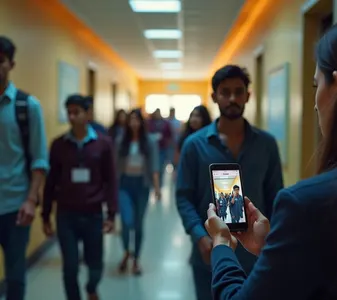
Low frame rates struggle with movement. At low fps, a person walking through a gate or entrance may only be captured in a handful of frames and if none of those frames catch a clear, front-facing angle, the system either fails to recognize them or takes longer, forcing them to slow down or stop.
High frame rates enable true "walkthrough" detection. Systems designed for queue-free, walkthrough attendance rely on high frame rates to capture multiple clear frames as a person moves naturally, giving the AI model several chances to find a usable match rather than relying on one lucky frame.
Frame rate affects liveness detection too. Distinguishing a real person from a photo or video replay often depends on subtle motion cues blinking, minor head movement, depth changes captured across multiple frames. A low frame rate simply doesn't provide enough data points to make this distinction reliably.
What Resolution Actually Controls
Resolution determines how much detail is captured within each frame essentially, how many pixels are available to represent a person's face.
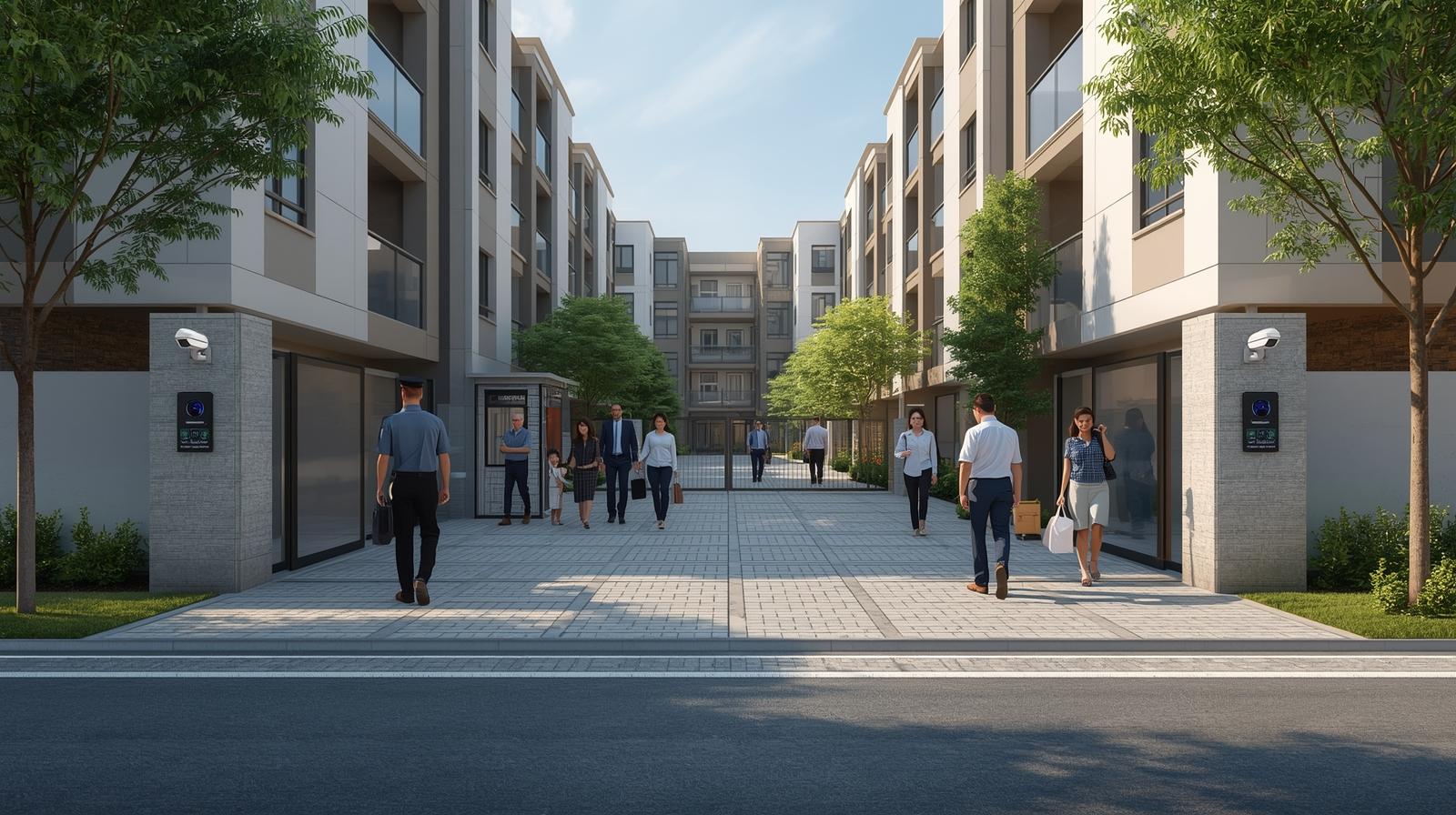
Distance matters more than people assume. A camera positioned a few meters from an entrance needs significantly higher resolution than one a person stands directly in front of, simply because the face occupies fewer pixels of the overall frame as distance increases.
Low resolution amplifies every other challenge. Poor lighting, side angles, and partial obstructions (like a cap or scarf) are all harder to handle when there aren't enough pixels to begin with. High resolution gives the AI model more room for error elsewhere in the pipeline.
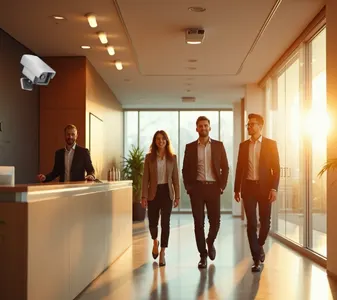
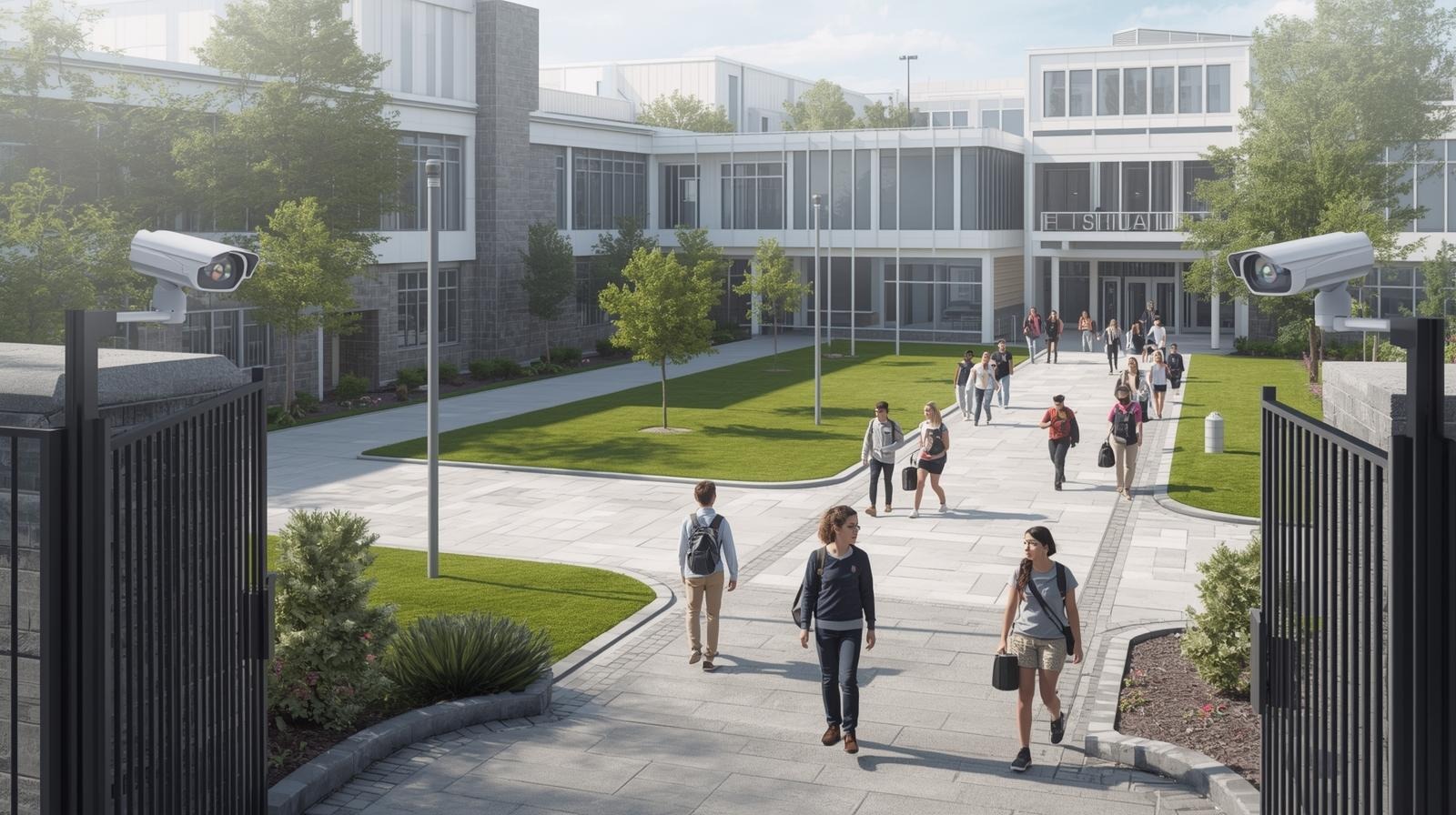
Group and crowd scenarios need higher resolution by default. Systems designed to recognize multiple people simultaneously common in office lobbies, campus gates, or event entries need enough resolution to isolate and process each individual face clearly within a single wide-angle frame.
Why This Gets Overlooked in Buying Decisions
Camera specifications are easy to overlook because they're not the "exciting" part of a face recognition pitch. AI accuracy percentages, spoofing prevention, and processing speed dominate the conversation, while the hardware capturing the actual image gets treated as a commodity afterthought.
This creates a common and costly mismatch: an organisation invests in a highly accurate AI model, deploys it on cameras that were never designed for the distance, lighting, or movement conditions of the actual entrance or hallway, and then blames the software when recognition rates disappoint.
What to Actually Look For
When evaluating a face recognition system, a few practical questions cut through the marketing:
- What frame rate does the camera capture at, and is it suited for a walkthrough (moving) scenario rather than a stationary one?
- What resolution is needed at the actual distance people will stand from the camera in your specific location?
- Has the system been tested under your real lighting conditions not a demo environment, but your actual entrance, hallway, or gate at the time of day it will be used most?
- Does the vendor account for hardware and software together, or is the camera treated as a generic, interchangeable component?
The Bigger Point
Face recognition accuracy isn't a single number that lives entirely inside an AI model it's the output of an entire pipeline, starting with the camera and ending with the match decision. A cutting-edge algorithm fed a low-quality image will underperform a modest algorithm fed a clear, well-captured one, every time.
Organisations that get the best real-world results treat hardware and software as one integrated decision, not two separate purchases because in face recognition, the camera isn't just capturing the moment. It's determining how much the AI is even capable of understanding about it.




Comments
Loading comments...